Procedure
Log in to the eSurfing Cloud Management Console.
Select the corresponding resource pool (only the Shanghai 36 resource pool is supported during the public preview) and click DTS from the service list to enter the DTS console.
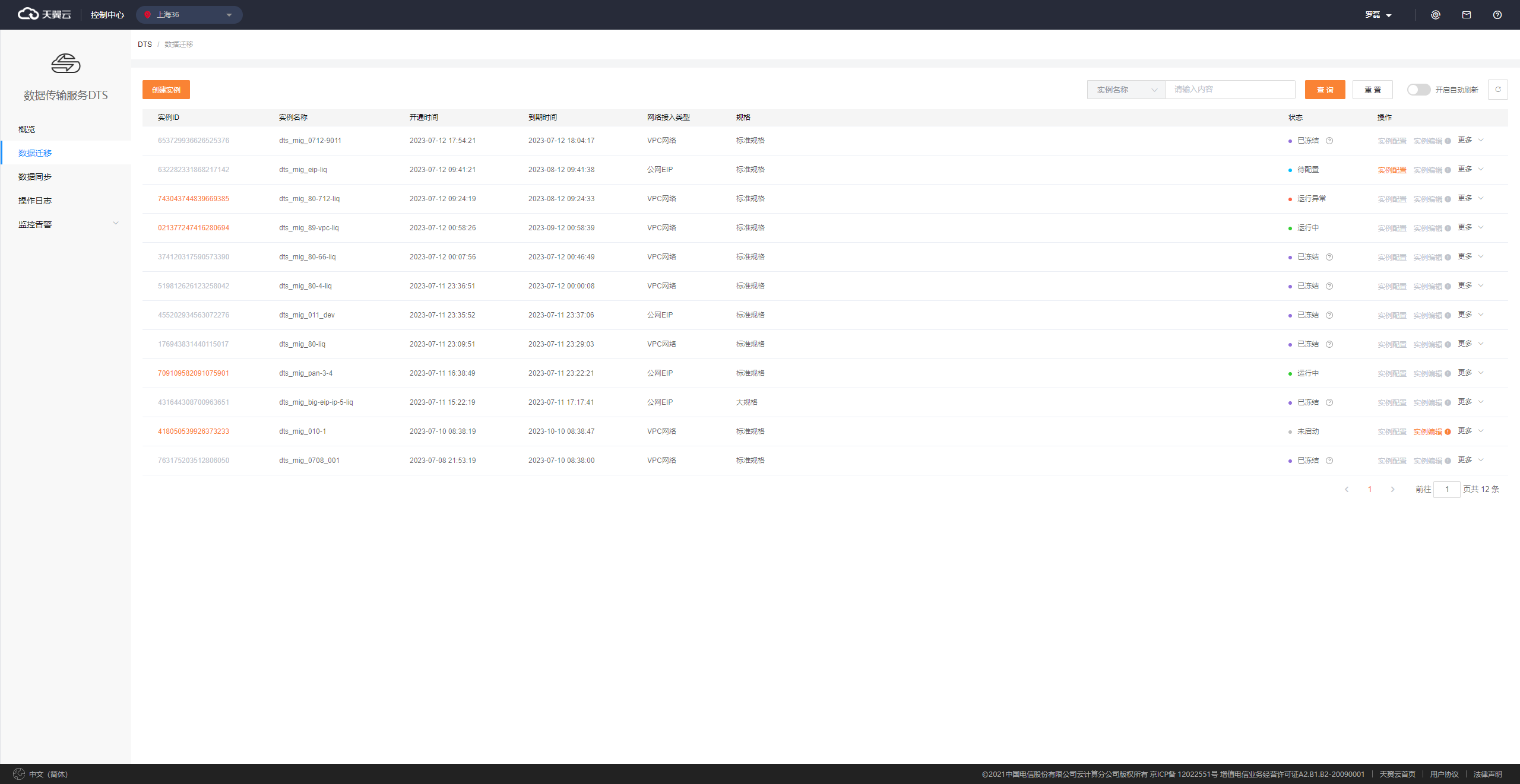
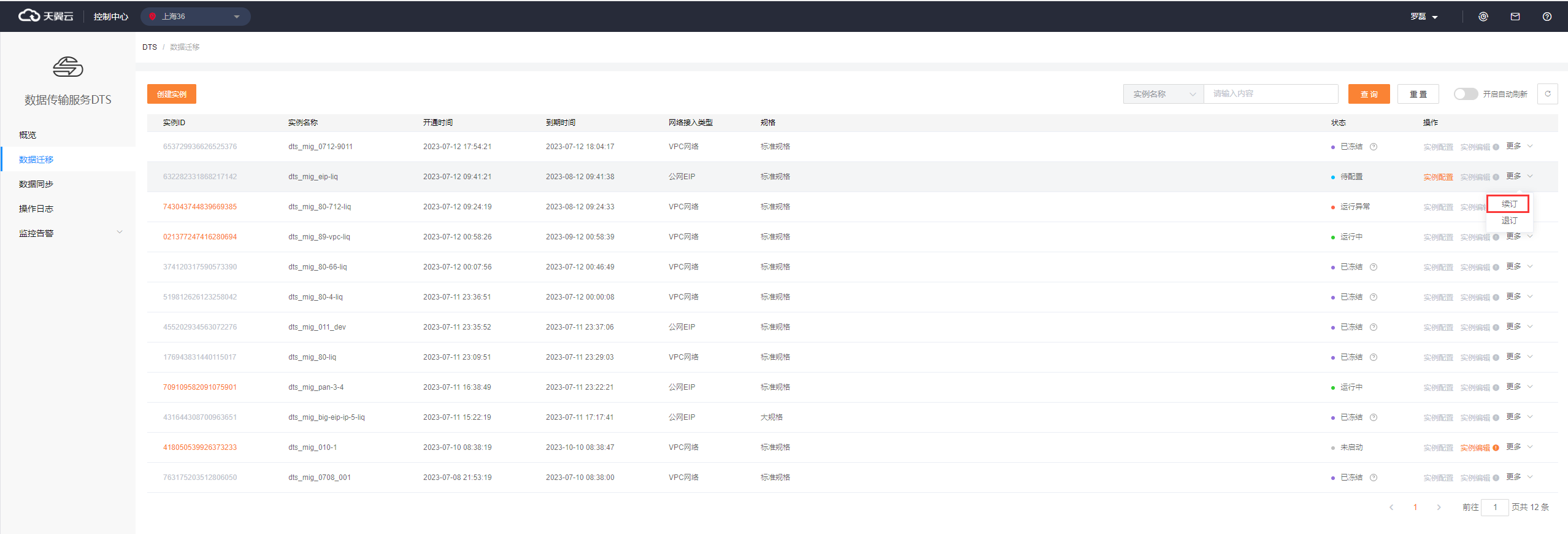
In the instance list, locate the instance that you want to renew and click Renew.
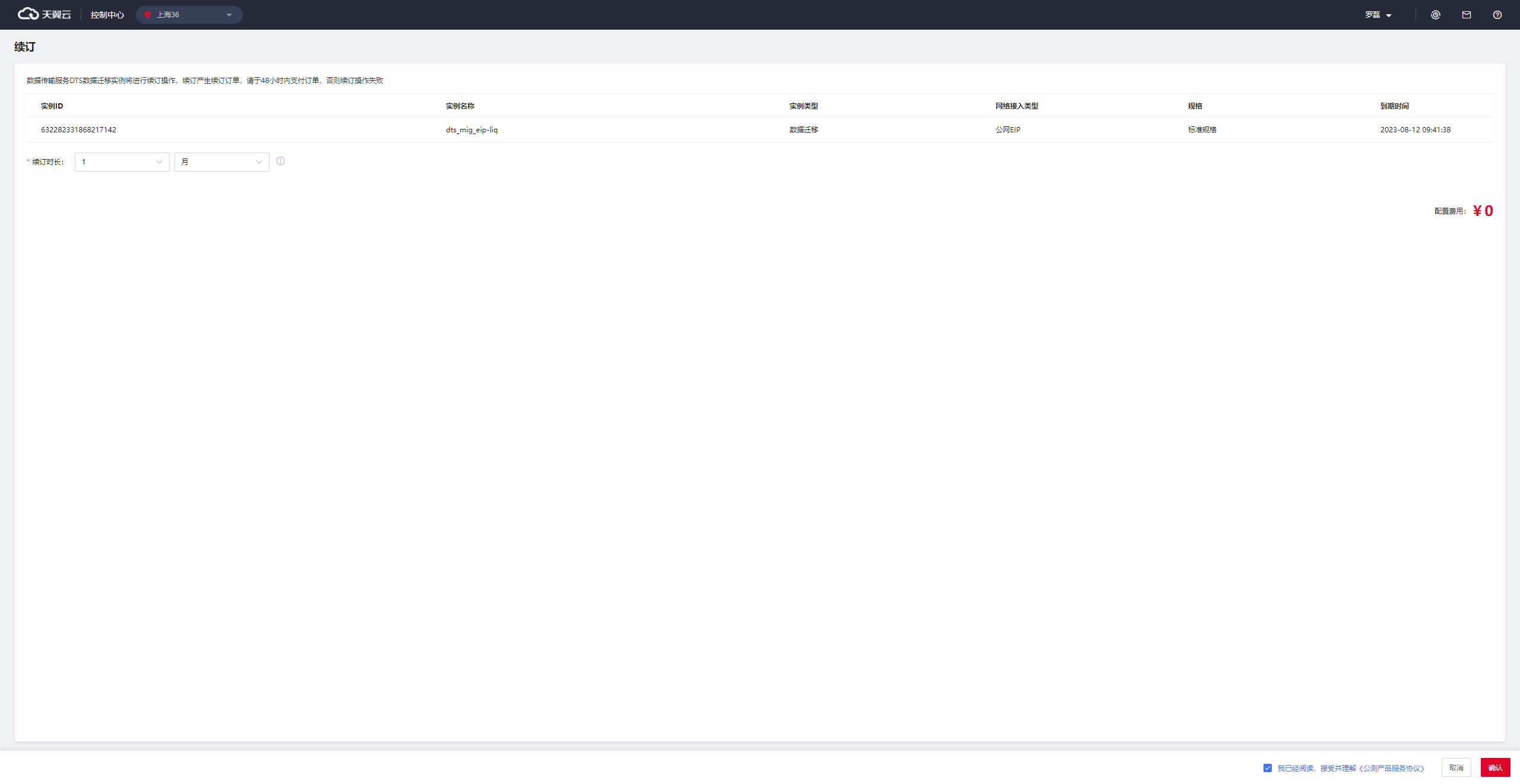
Specify a renewal period.
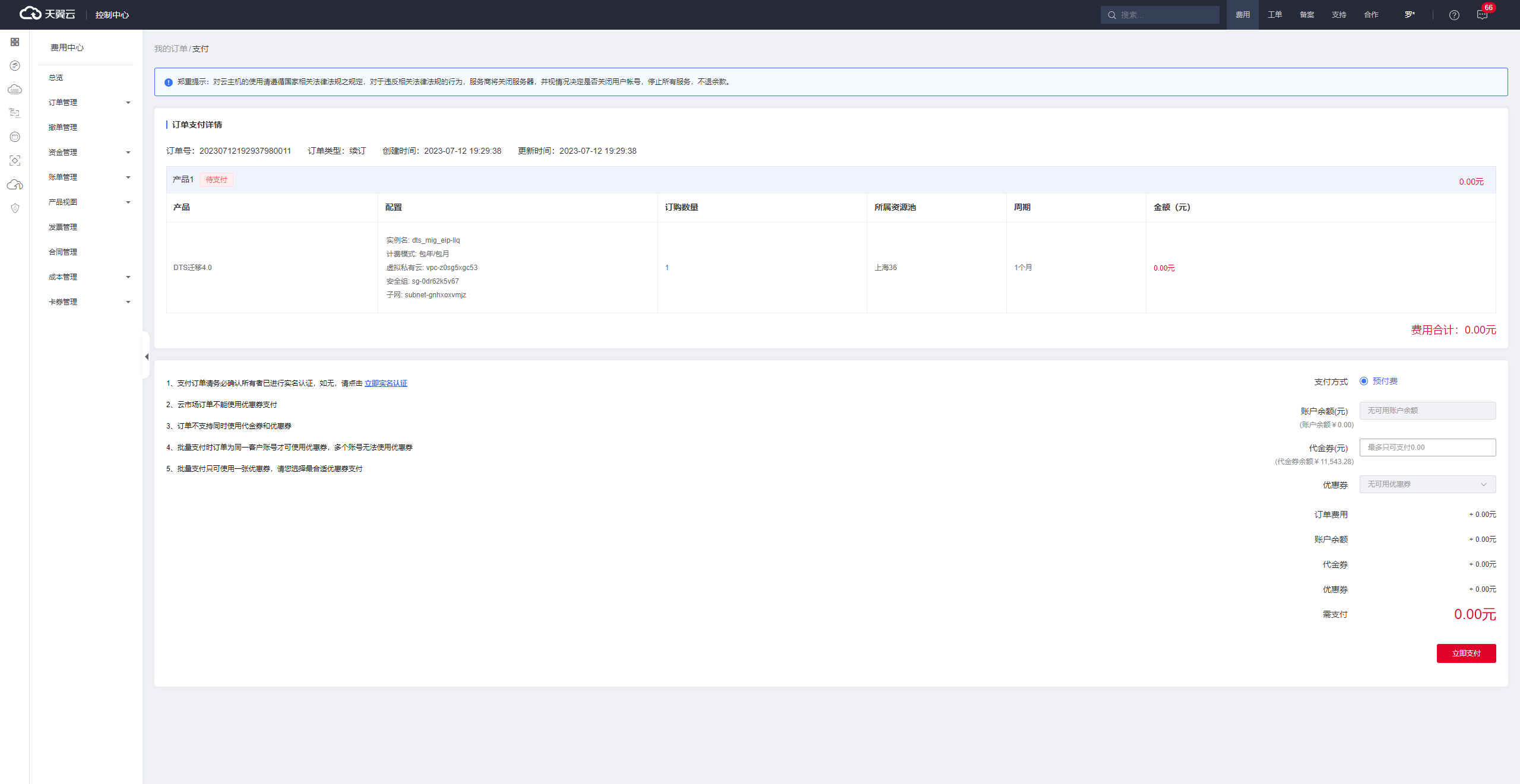
Click Pay Now to complete the renewal.