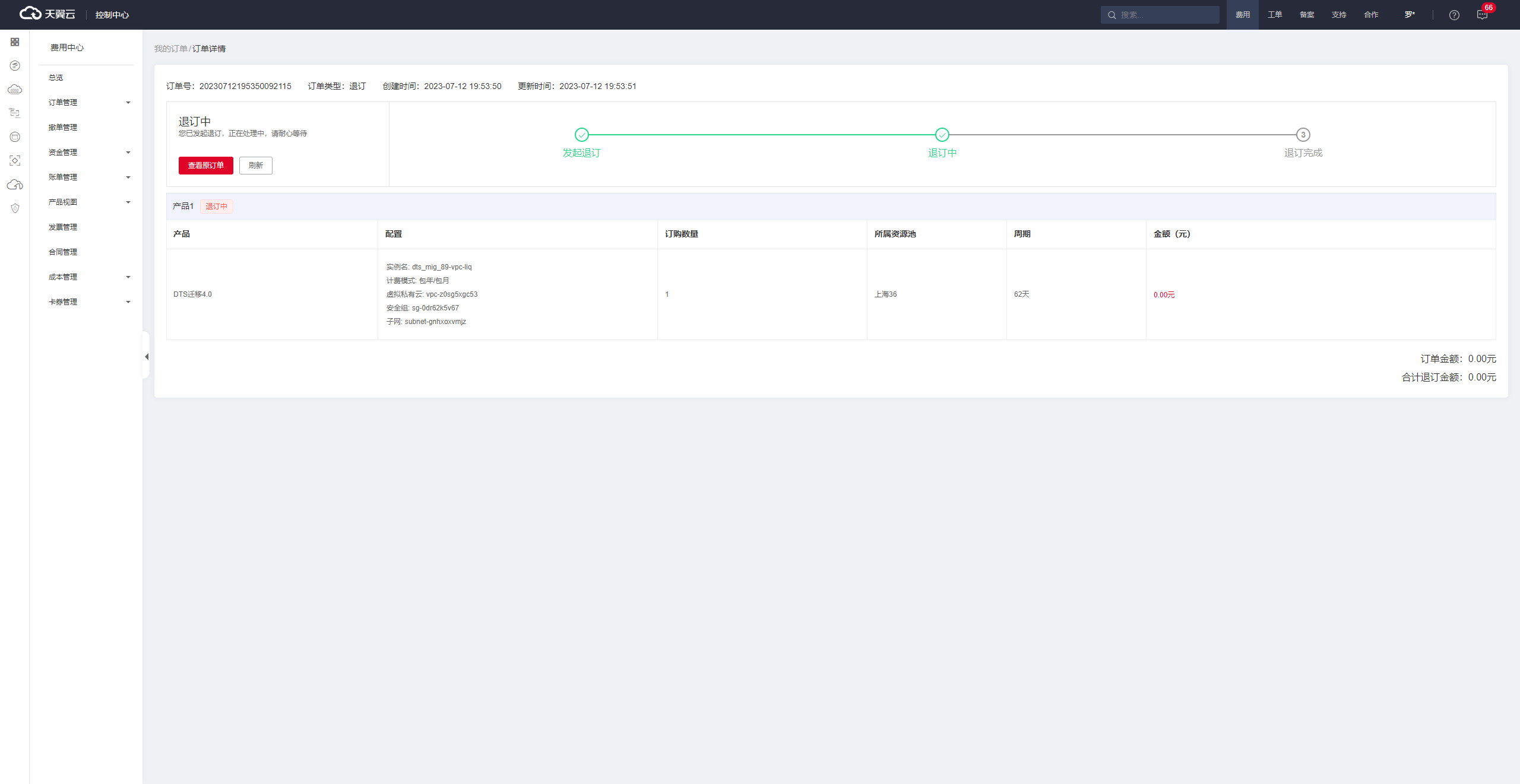
Procedure
Log in to the eSurfing Cloud Management Console.
Select the corresponding resource pool (only the Shanghai 36 resource pool is supported during the public preview) and click DTS from the service list to enter the DTS console.
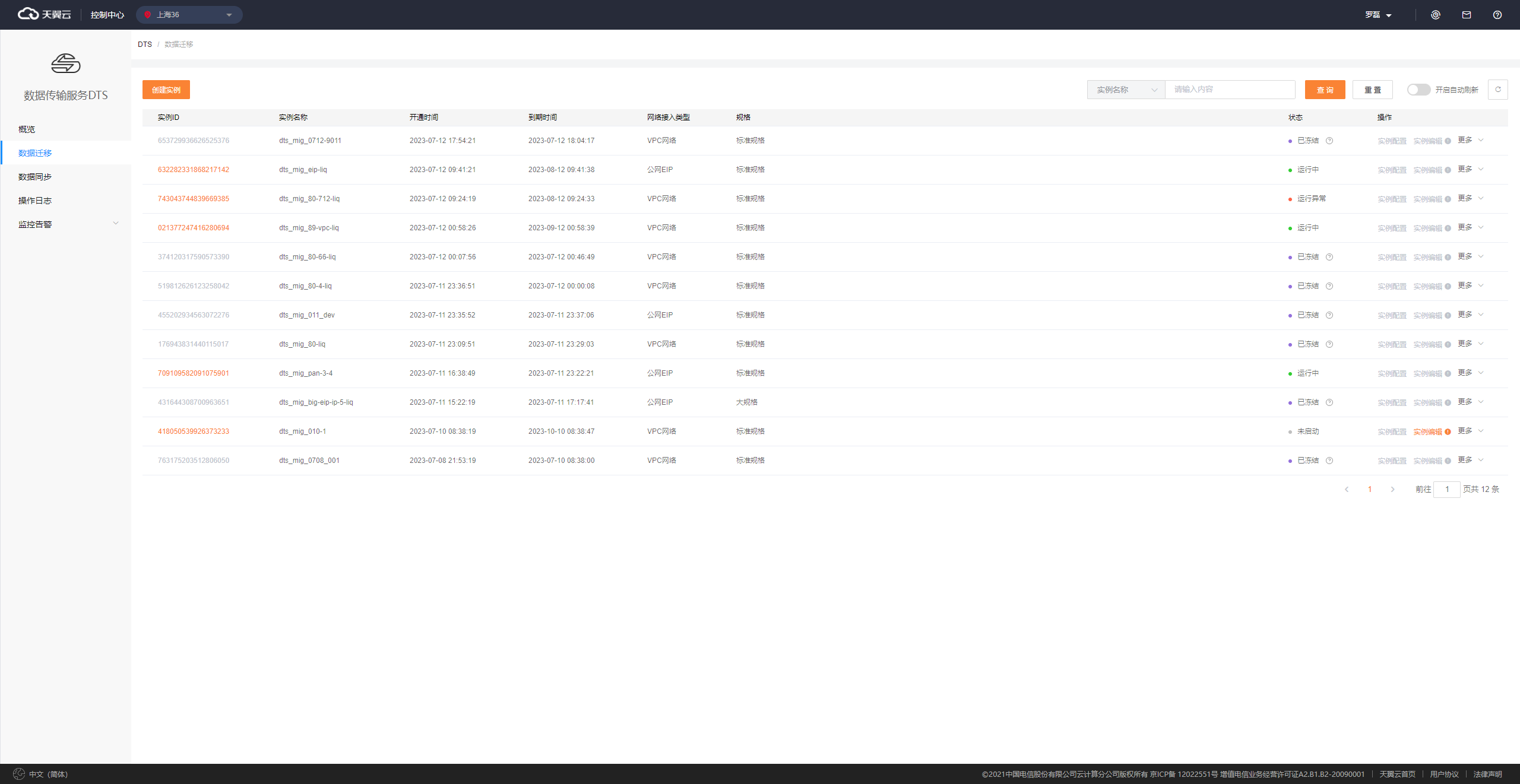
In the instance list, locate the instance that you want to unsubscribe and click Unsubscribe.
After you unsubscribe from an instance, the instance is frozen, and the data in the instance is retained for a certain number of days.

Click Confirm.